Quick Start 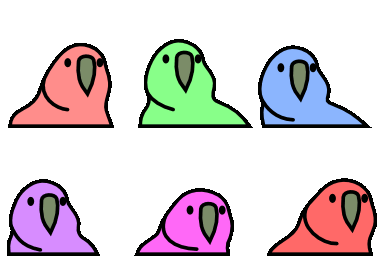
Get custom Slack or Discord emojis in your MkDocs site in 5 minutes!
Step 1: Get Your Token
- Go to api.slack.com/apps
- Create a new app or select an existing one
- Add the
emoji:readscope under OAuth & Permissions - Install the app to your workspace
- Copy the OAuth Access Token (starts with
xoxp-)
- Go to discord.com/developers/applications
- Create a new application or select an existing one
- Go to Bot and create a bot if needed
- Grant
bot→<Manage/Create> Expressionspermissions - Copy the Bot Token
- Note your Guild/Server ID (enable Developer Mode, right-click server)
Step 2: Set Environment Variables
Step 3: Initialize Configuration
This creates emoji-config.toml. Update it for your provider:
Step 4: Add to mkdocs.yml
plugins:
  - search
  - external-emojis

markdown_extensions:
  - pymdownx.emoji  # The plugin auto-configures this
Plugin Order 
Place external-emojis before other plugins that might use emojis.
Step 5: Sync and Build 
You'll see:
Visit http://localhost:8000 and see your custom emojis in action!
Step 6: Use Your Emojis 
Both :partyparrot: and :slack-partyparrot: work by default. Set namespace_prefix_required = true in your config if you have multiple providers with conflicting names.
Troubleshooting 
Emojis not showing?
-
Check sync worked:
-
Verify files exist:
-
Validate configuration:
Token issues? 
Next Steps
- Configuration Guide - Advanced options

- CLI Commands - All CLI options

- Deployment - CI/CD setup
